 MiniCPM-V 4.6
A compact 1B vision-language model from OpenBMB that runs image-text-to-text tasks fully on-device, tuned for fast inference on consumer laptops.
Browse and run open-source AI models locally on your own hardware — no API keys, no cloud, no usage limits. Fully private, works offline, and free forever.
MiniCPM-V 4.6
A compact 1B vision-language model from OpenBMB that runs image-text-to-text tasks fully on-device, tuned for fast inference on consumer laptops.
 Sulphur 2 Base
SulphurAI's 9B text-to-video base model for generating short clips from prompts, with strong temporal coherence and an open weights release.
 Supertonic 3
Supertone's text-to-speech model producing natural, expressive voices in real time — built for offline narration, dubbing and accessibility tools.
Qwen3.6 27B MTP
Unsloth's quantized GGUF build of Qwen3.6 27B with multi-token prediction, optimized to run image-text reasoning on a single 24 GB GPU.
_round.svg) DeepSeek V4 Pro
DeepSeek V4 Pro
DeepSeek's flagship 862B mixture-of-experts model for advanced text generation, reasoning and coding, with hosted inference available out of the box.
Anima
An open generative model from Circlestone Labs for stylized character animation, widely downloaded for creative and indie game pipelines.
Dramabox
ResembleAI's expressive text-to-speech model for dramatic dialogue and audiobook voiceover, with fine-grained control over emotion and pacing.
HiDream-O1 Image
HiDream-ai's 9B image-text-to-image model for high-fidelity edits and generation, balancing prompt adherence with photorealistic detail.
Qwen3.6 35B A3B
Alibaba's 35B activated-3B sparse model from the Qwen3.6 family, delivering frontier text generation quality at a fraction of the compute cost.
Fara 7B
Microsoft's 7B image-text-to-text model for document understanding and visual question answering, sized to run on everyday hardware.
DeepSeek V4 Flash
A lightweight 3B distilled variant of DeepSeek V4 for low-latency text generation, ideal for local chat assistants and CPU-only deployments.
Z-Anime
SeeSee21's 6B text-to-image model specialized in anime and illustration styles, with crisp linework and vivid color straight from a prompt.
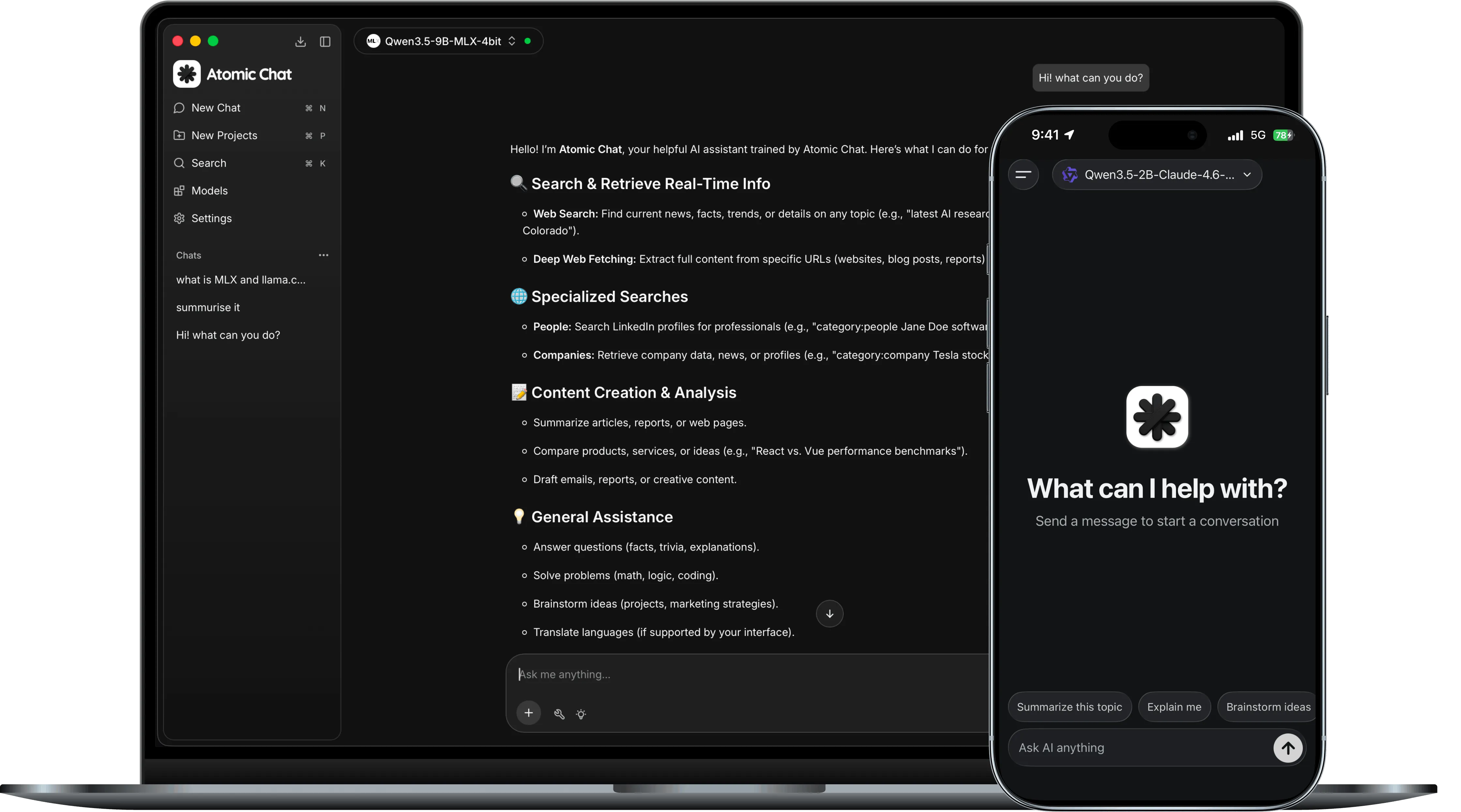
Every model in this catalog runs entirely on your own hardware — no API keys, no per-token billing and no data leaving your machine. That makes local models a good fit for private workloads, offline environments and high-volume tasks where a metered cloud API would get expensive. The trade-off is that you pick the hardware, so the right model depends as much on your machine as on the task.
The two numbers that matter most are parameter count and VRAM required. Parameter count is a rough proxy for capability — larger models reason and write better, but need more memory and run slower. VRAM required tells you whether a model fits on your GPU at all; a quantized build lowers that number, at a small cost to quality. Use the sidebar filters to narrow the list to models your machine can actually run before comparing anything else.
A model tuned for code completion behaves differently from one tuned for chat or vision, even at the same size. The Tasks filter groups models by what they were trained to do — text generation, image-to-text, text-to-image and more — so start there, then sort within the task by size or how recently the weights were updated.
These general-purpose models balance answer quality against hardware cost. Each one runs comfortably on a recent laptop or a mid-range GPU.
| Model | Parameters | VRAM required | Best for |
|---|---|---|---|
| Qwen 3 8B | 8B | ~8 GB | Everyday chat on a laptop |
| Llama 3.1 8B | 8B | ~8 GB | Balanced reasoning and writing |
| Mistral Small 24B | 24B | ~16 GB | Stronger reasoning, mid-range GPU |
| Qwen 3 32B | 32B | ~24 GB | Highest quality, desktop GPU |
If you're working on a CPU-only machine or a GPU with limited memory, these compact and quantized models stay responsive without a discrete graphics card.
| Model | Parameters | VRAM required | Best for |
|---|---|---|---|
| Qwen 3 1.7B | 1.7B | CPU only | Fast replies on any laptop |
| Llama 3.2 3B | 3B | < 8 GB | Lightweight assistant tasks |
| Mistral 7B (Q4) | 7B | ~6 GB | Quantized build for older GPUs |
These picks are a starting point, not a ranking — the right model is the largest one that runs smoothly on your hardware for the task you care about. Use the filters above to explore the full catalog.
Local models run on your own hardware, so there are no API keys, no usage limits and no data sent to a third party. Cloud APIs are easier to scale, but bill per token and require an internet connection — local models trade that convenience for privacy and predictable cost.
Check the "VRAM required" value against your GPU memory, or filter the catalog by it. If a model is larger than your GPU, a quantized build or a CPU-only model will still work — just more slowly.
Parameters are the learned weights inside a model. More parameters generally means better reasoning and writing, at the cost of more memory and slower generation. It's a rough guide to capability, not an exact score.
It depends on each model's license. Many are released under permissive licenses such as Apache 2.0, while others restrict commercial use. Always check the license listed on the model's page before shipping it in a product.
Yes. Once the weights are downloaded, a local model runs without any network connection — useful for air-gapped setups and for keeping sensitive data on-device.
atomic run curl https://api.atomic.chat/v1/run \
-H "Authorization: Bearer $ATOMIC_KEY" \
-d '{"model": "", "prompt": "Hello"}'from atomic import load_model
model = load_model("")
output = model.run("Your prompt here")
print(output)import { loadModel } from "atomic";
const model = await loadModel("");
const output = await model.run("Your prompt here");
console.log(output);| Name | Size / Usage | Context | Input |
|---|
This model is a multimodal large language model that unifies image, audio and text understanding to support question answering, summarization and document intelligence workflows. It is designed to run entirely on local hardware, so no data ever leaves the device and inference works fully offline.
It extends the base family with integrated speech comprehension and optical character recognition, enabling end-to-end processing of rich content such as meeting recordings, training videos and complex business documents.
The model performs well across a broad range of everyday tasks. Typical use cases include:
For best results, keep prompts specific and provide context up front — the model rewards clear, well scoped instructions over open-ended ones.
Install the runtime and pull the weights with a single command. Once cached, the model loads in seconds and the first token streams almost immediately:
atomic pull <model>
atomic run <model> --prompt "Summarize this report"
You can also call it programmatically — pass any
prompt to model.run() and stream the
response token by token.
The weights are released under a permissive open license and are available for commercial use. Full terms are described in the model license agreement.
The model runs on consumer hardware — a recent laptop or desktop with enough memory is enough. Quantized builds lower the requirement further, and a discrete GPU speeds up generation but is optional.
Yes. Once the weights are downloaded the model runs entirely on your device — no internet connection, API key or account is required, and no data leaves the machine.
The weights are released under a permissive open license and are free to download and run, including for commercial projects. Always check the license terms for your specific use case.
Use the runtime's CLI for quick tests, or call the model from Python or JavaScript — see the usage snippets above. The same interface works across every model in the catalog.